
A Practical E2E Testing Technique: Running a Suite of Automated Tests Against the Same Browser — Part 2: How to Implement it? *
The implementation is surprisingly simple and ready for immediate practical use, for paid subscribers.

The “Practical Testing Technique” series is designed to help test automation engineers solve common E2E automation challenges quickly and effectively.
This is a paid-members-only article. By becoming a paid member, you not only unlock full access to our archive of 700+ articles — with more added regularly — but also enjoy a range of exclusive benefits, including:
Access to the real Test Automation & CI/CD Engineer community
A complimentary eBook each year
Discounts on AgileWay products and services
Complimentary casual mentoring
Access to the upcoming AgileWay Marketing Partner Program* (with ongoing passive income)
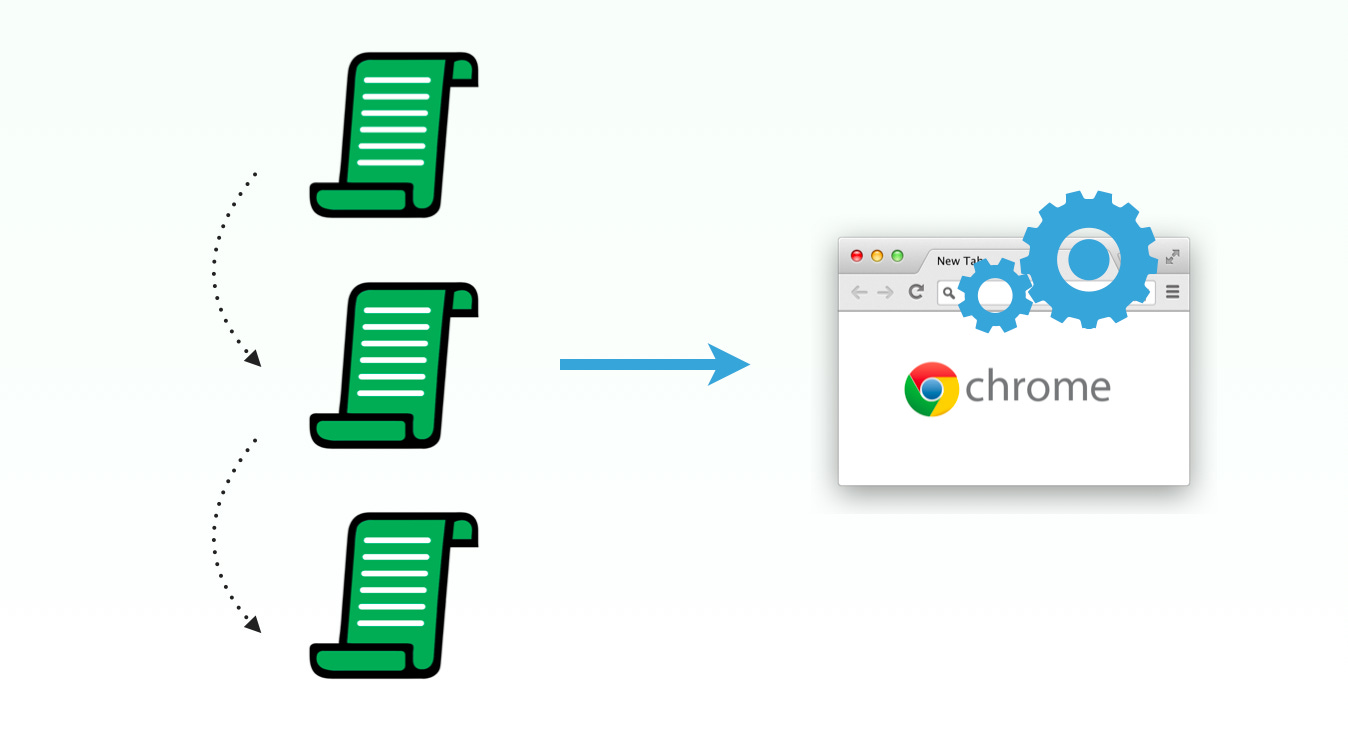
The traditional approach to automated E2E testing launches a new browser for every test script. In this article, I explore a more efficient alternative: running a full test suite against the same browser.
Part 1: Why It’s Needed?
Part 2: How to Implement it? *
In Part 1, I explained the benefits of this execution approach and presented demonstration videos. Beyond improved performance, it is often the only viable way to run automation scripts in environments with strict security controls. Here’s how to implement it.
The Framework and Tools
Best of all, this entire toolset is free to use (as in both 'free speech' and 'free beer').
Automation Framework: Selenium WebDriver
Scripting Language: Ruby
Test Syntax Framework: RSpec
Testing Tool: TestWise IDE
Browser: Google Chrome
