A Practical E2E Testing Technique: Running a Suite of Automated Tests Against the Same Browser — Part 1: Why It’s Needed?
A solution for using the same browser across a suite of automated tests.

The “Practical E2E Testing Technique” series is designed to help test automation engineers solve common E2E automation challenges quickly and effectively.
These solutions will be exclusive to paid subscribers, as we continue to provide increasing value through subscriber-only benefits—such as higher-quality in-depth articles, free ebooks, casual mentoring, service discounts, and upcoming reseller partnerships💰. In short, becoming a subscriber is genuinely worthwhile.
The traditional approach to automated E2E testing launches a new browser for every test script. In this article, I explore a more efficient alternative: running a full test suite against the same browser.
Part 1: Why It’s Needed?
Part 2: How to Implement it? * (exclusively for Paid Subscribers)
Below is an example test execution from a newly created Selenium-RSpec project in TestWise IDE.
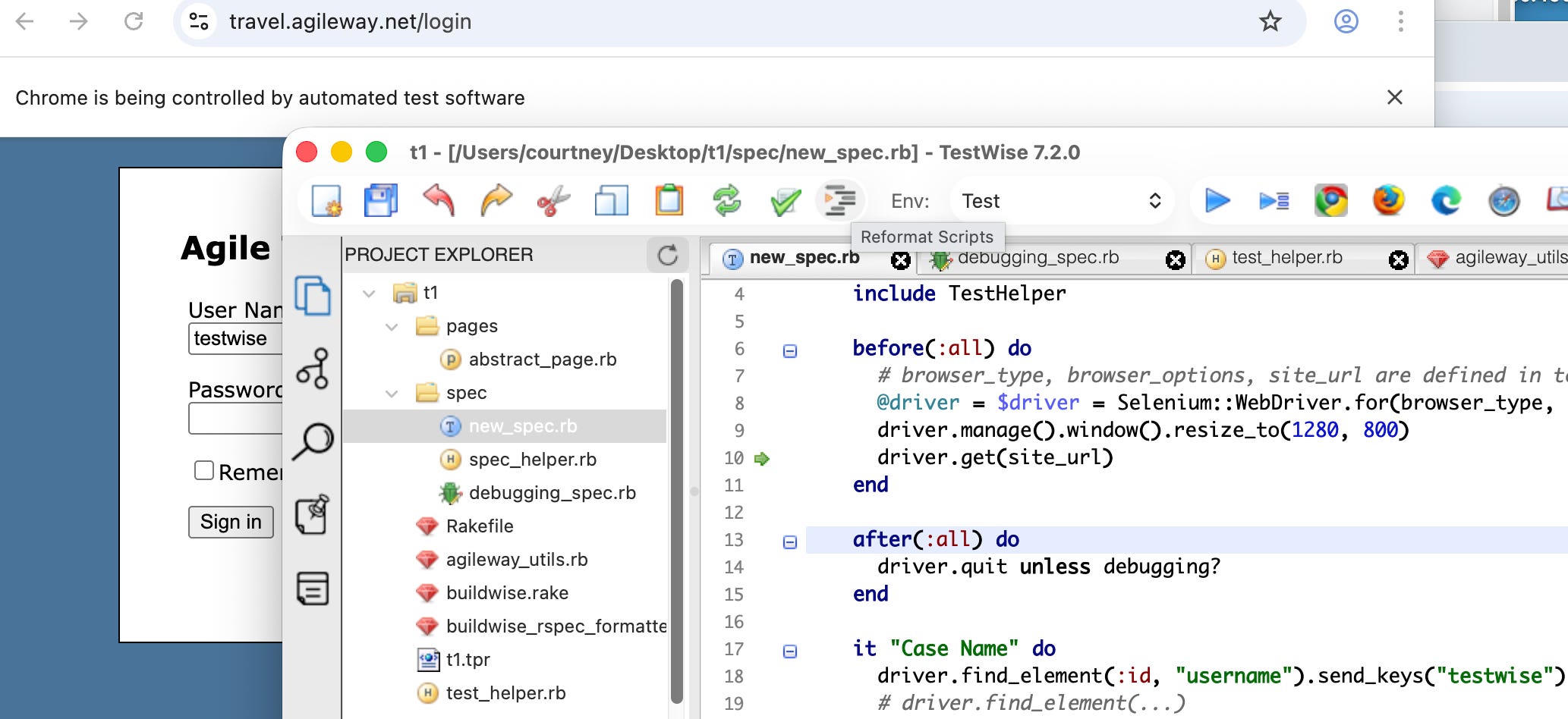
Because I executed the individual test case, by default, TestWise will leave the browser open, a very neat feature.
Now, when I rerun the full test script (rather than an individual test case), you can see that Chrome is launched, the test runs, and then the browser closes. In other words, a fresh browser instance is created for each test script and closed after execution.
This is the standard approach for suite-level test execution, as it keeps tests isolated and avoids cross-test side effects.
In this article, I will introduce another approach to executing a test suite, where all tests run against the same Chrome browser instance.
See it in action
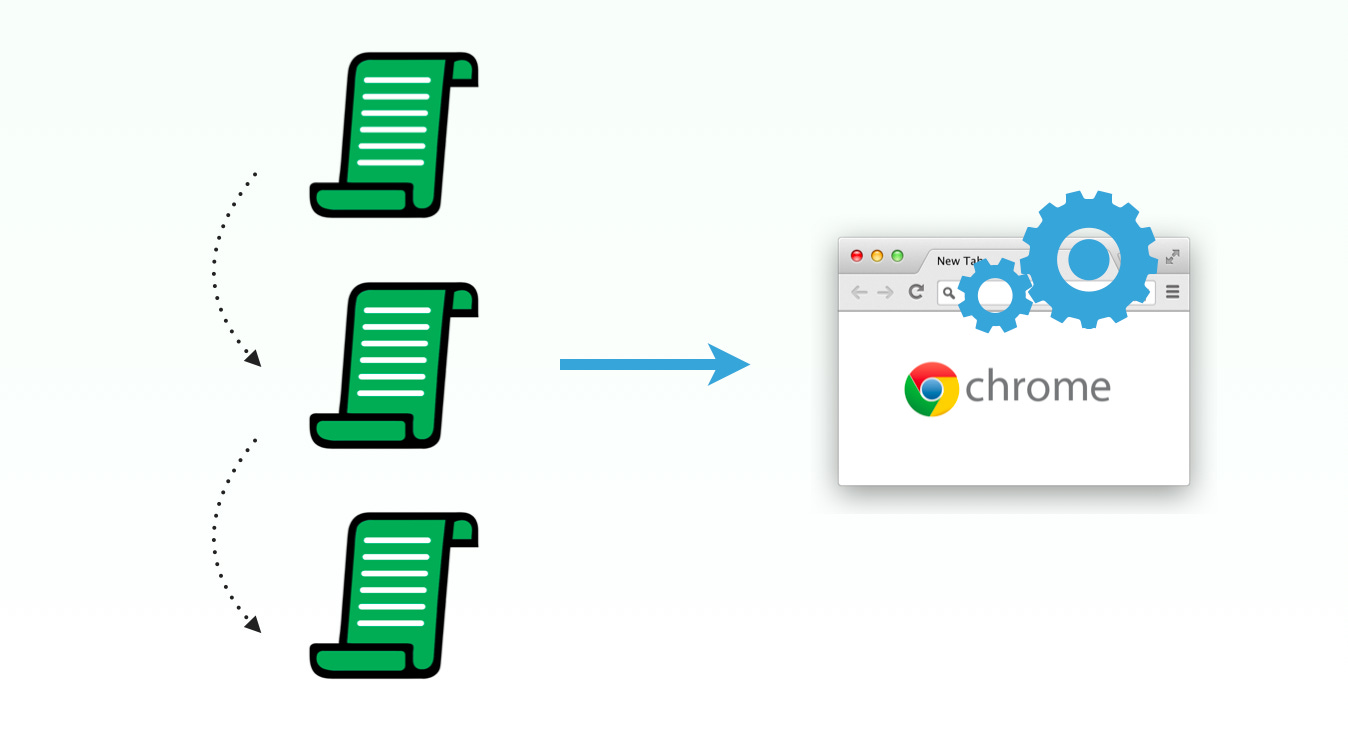
1. Execute two different test scripts in TestWise IDE.
2. Execute a set of test scripts in a folder from the TestWise IDE.
This approach is noticeably faster than the traditional one-browser-per-test execution model, but speed is not its main benefit.
Why?
The main benefit is the ability to reuse the same browser across multiple test scripts. Why is this sometimes necessary?
Security-protected websites
In large organizations with strict security requirements, accessing internal websites often requires physical security tokens. In such environments, launching a fresh browser session makes access outright impossible. While one possible workaround is to manipulate cookies, this approach is complex and unreliable.
With this approach, you can simply log in to the website manually and then hand control over to the automation scripts.
Websites with lengthy setup processes
Some websites require extensive preparation before they are ready for testing. For example, a new user may need to complete a long questionnaire before reaching the main page. This makes running a large test suite unnecessarily time-consuming and tedious.
In this scenario, a test automation engineer can run a single script to complete the onboarding process, then reuse the same browser session to execute a suite of tests that validate the core business logic.Mandatory manual operations to be done
For some web pages, certain manual operations—such as handling asynchronous queues or completing specific steps—must be performed before continuing. Otherwise, a typical full E2E test execution is likely to time out.
In such cases, you can split your tests into two groups:
E2E test execution before the manual operation
Perform the manual operation
E2E test execution after the manual operation
Related reading: